OGM: Interactive Game Maps
No more downloading a dozen different apps! With OGM, all the game worlds you explore are gathered in one place and available in your pocket 24/7. Your path to 100% completion. Offline.
 Download for iOS
 Download for Android
TRUSTED ECOSYSTEM
Built for 100% Completion. Backed by Numbers.
OGM combines powerful interactive tools with a rapidly growing global community. See why thousands of gamers rely on our core features to navigate, track, and conquer their favorite worlds without limits.
90,000+
Game Maps Downloaded
12,270
Registered Explorers
12
Supported Languages
100% Offline
Access
Progress
Tracker
Multi-Profile
Support
Cloud Sync
& Backup
Community
Support
ALL-IN-ONE PLATFORM
The Single Entry Point for True Explorers
Modern games feature massive worlds filled with thousands of hidden secrets, quests, and collectibles. Constantly switching to a web browser, losing your internet connection mid-game, or looking for separate apps for each game completely ruins the immersion.
Forget about lost signals and slow internet. OGM is the single entry point that solves this, bringing a highly optimized, desktop-grade map experience directly into your pocket.
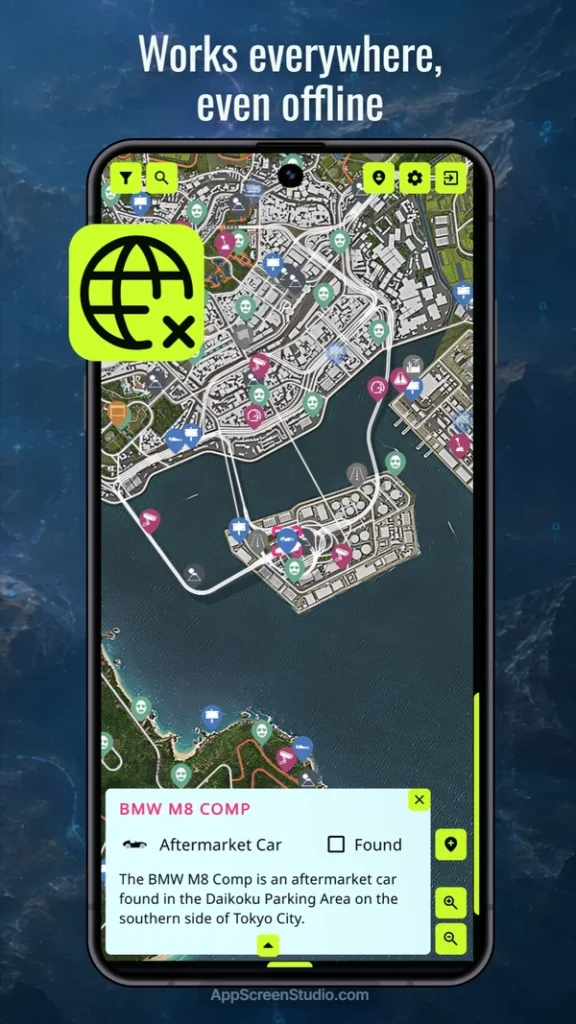
Choose a game, download the map once, and it stays with you forever. Every single marker, custom note, and progress tracker remains fully functional 24/7, requiring absolutely no network connection.
Stop cluttering your phone with dozens of standalone apps. Rely on one dependable tool built to explore your favorite game worlds with maximum efficiency.
ENGINEERED FOR EXPLORERS
The Engineering Behind Your Exploration
Designed to make your gaming sessions as effective and enjoyable as possible.
Smart Caching Engine
The entire map and core data are stored on your device instantly. Location screenshots load optionally from the network to save your disk space and remain cached for full future autonomy.
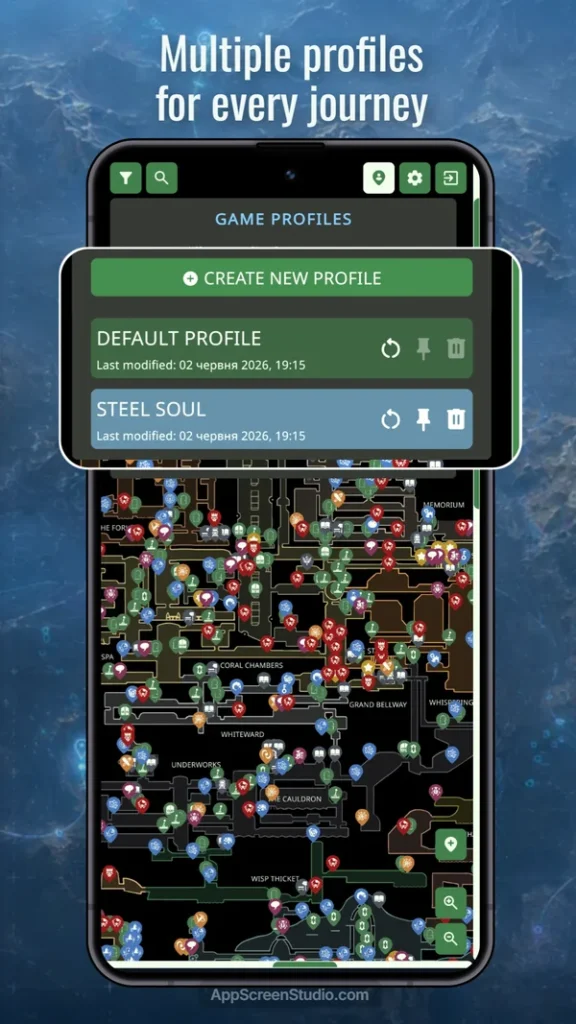
Manage Adventures via Profiles
Create separate profiles for different game playthroughs. Maintain independent progress for every character, custom build, or speedrun challenge without losing your main data.
Regional Progress Tracking
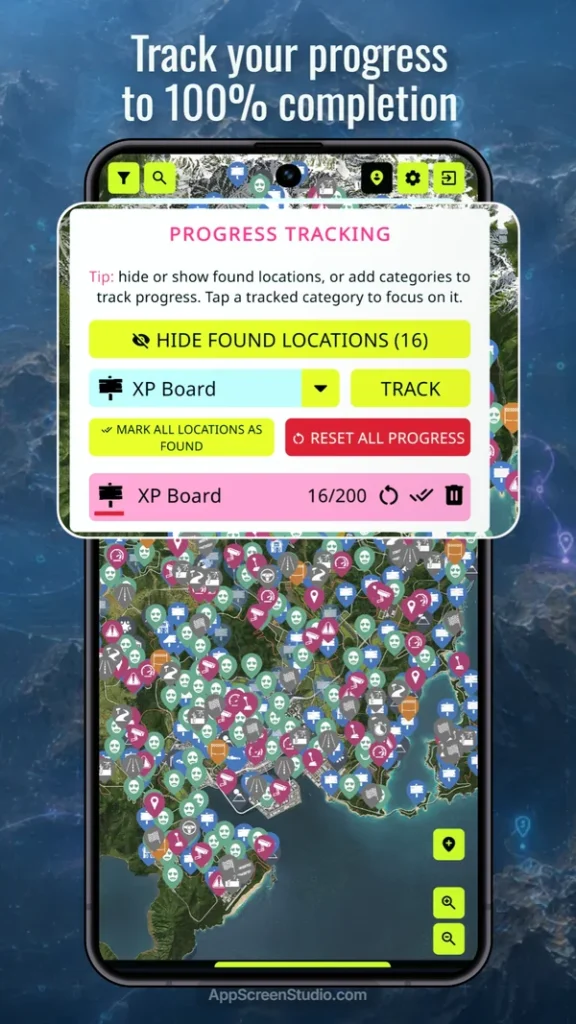
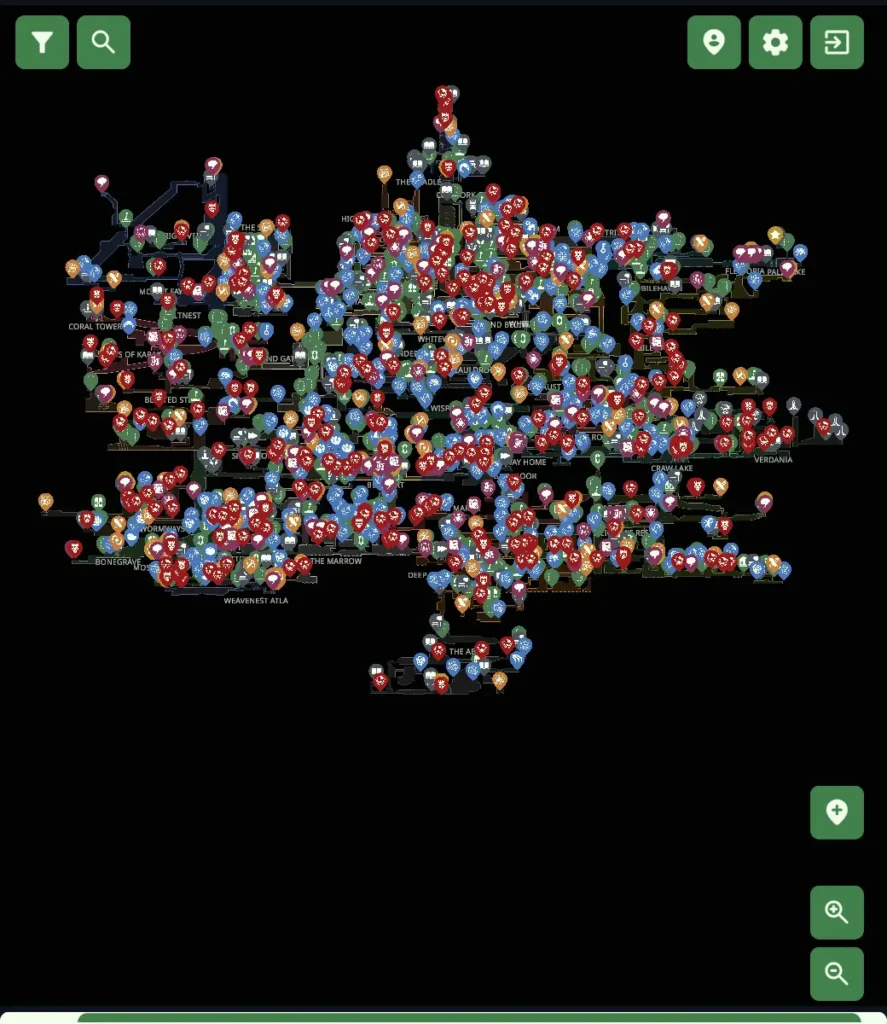
Monitor game completion in real time. Create unlimited tracking categories and check your clearance progress not just globally, but for individual map regions.
Personal Explorer’s Journal
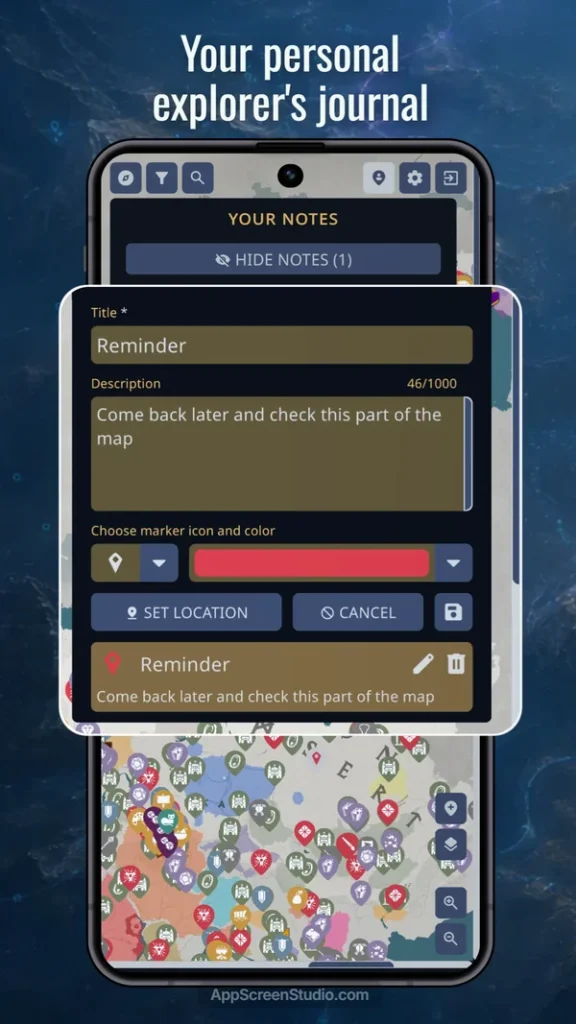
Turn the map into your personal diary. Add unlimited custom markers on the go, complete with unique titles, descriptions, custom icons, and color-coded tags.
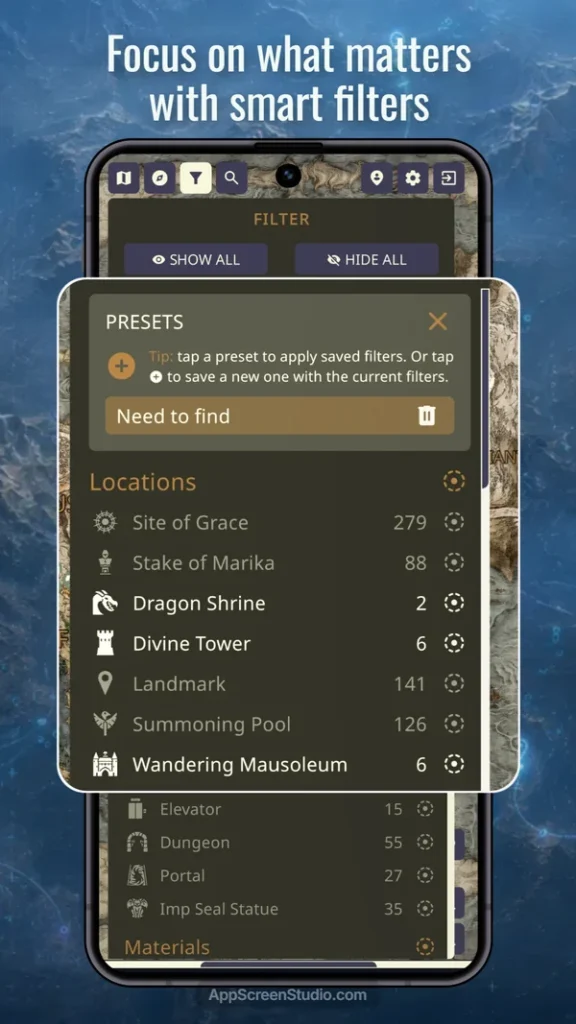
Advanced Filter Presets
Instantly hide the clutter. Save custom filter combinations for specific tasks (like “ore farming” or “boss hunting”) and switch between them in a single touch.
Unified Map Library
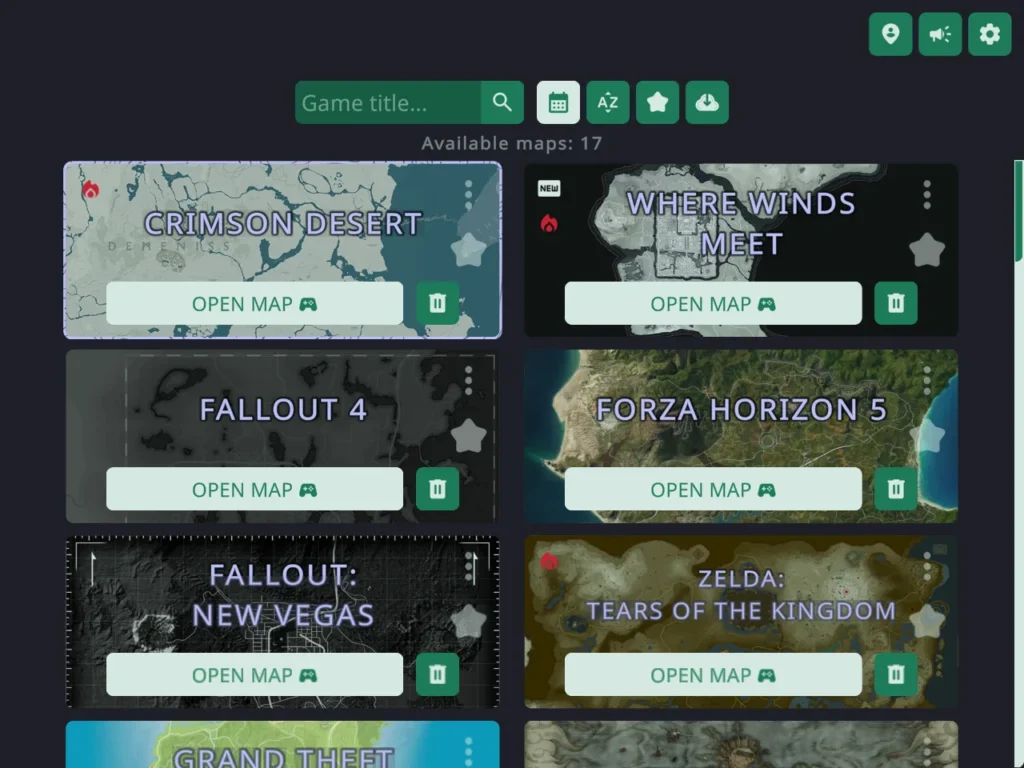
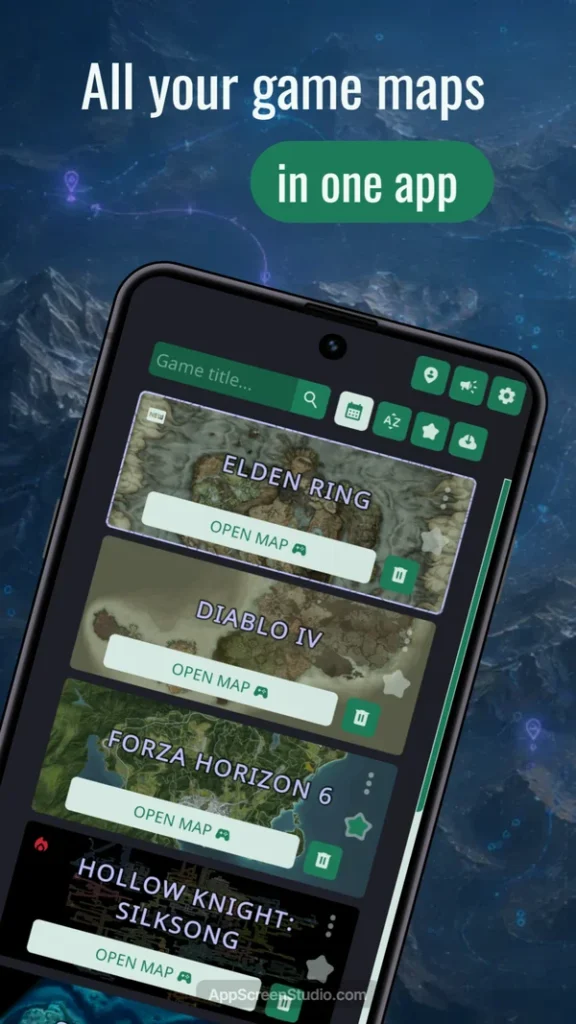
No more separate apps. Switch between dozens of available gaming worlds instantly from a single dashboard, with new maps added regularly based on community votes.
Cloud Sync & Data Safety
Keep your progress secure. Sync your data across all your devices via the cloud, or use the local Export/Import feature to transfer your progress manually without even needing an account.
Seamless Layer Continuity
Get straight back into the action. The app automatically tracks your activity and remembers your last opened game, selected map sub-location, and even active filter layers.
INTERACTIVE MAP LIBRARY
Explore Our Library of Game Worlds
We are constantly adding new interactive maps. Stay tuned for the latest releases.
-
 Map Status: WIPPlatform: OGM Hub App
RuneScape: Dragonwilds Interactive Map
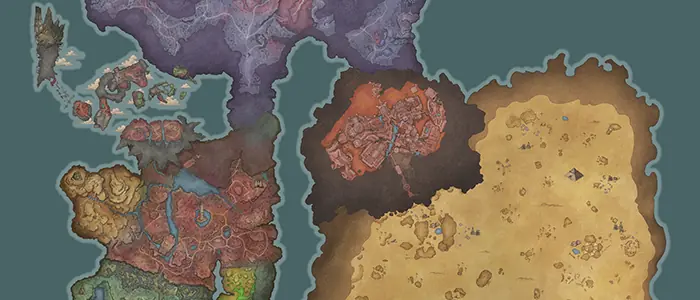
Game Overview: RuneScape: Dragonwilds Interactive MapMaps: 1 • Regions: 32 • Categories: 56 • Locations: 2967
-
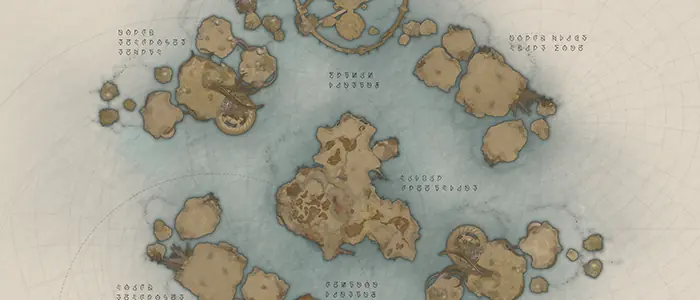 Map Status: WIPPlatform: OGM Hub App
Aion 2 Interactive Map
Game Overview: Aion 2 Interactive MapMaps: 9 • Regions: 0 • Categories: 39 • Locations: 23243
-
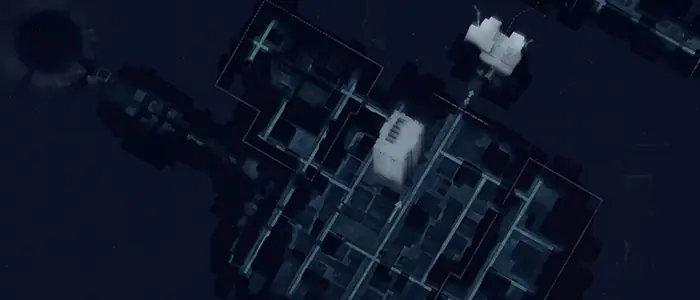 Map Status: WIP
CONTROL Resonant Interactive Map
Game Overview: CONTROL Resonant Interactive MapMaps: 1 • Regions: 3 • Categories: 40 • Locations: 514
-
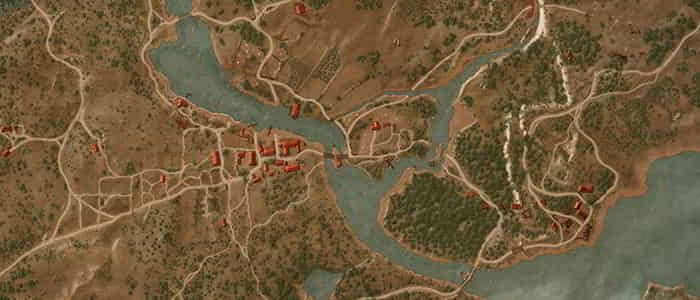 Map Status: CompletePlatform: OGM Hub App
The Witcher 3: Wild Hunt Remastered Interactive Map
Game Overview: The Witcher 3: Wild Hunt Remastered Interactive MapMaps: 6 • Regions: 0 • Categories: 52 • Locations: 2580
-
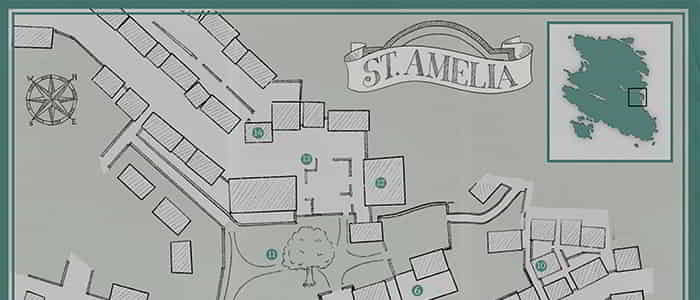 Map Status: WIP
SILENT HILL: Townfall Interactive Map
Game Overview: SILENT HILL: Townfall Interactive MapMaps: 5 • Regions: 13 • Categories: 27 • Locations: 639
-
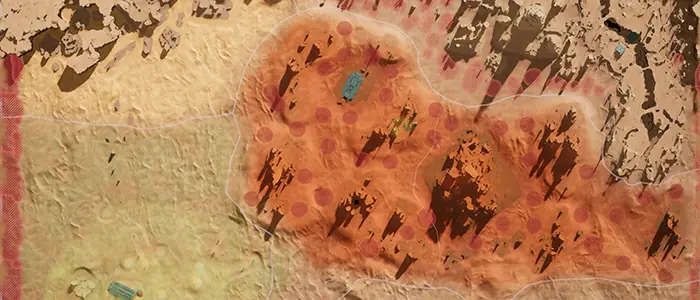 Map Status: WIPPlatform: OGM Hub App
Dune Awakening Interactive Map
Game Overview: Dune Awakening Interactive MapMaps: 3 • Regions: 12 • Categories: 60 • Locations: 3437
INTERFACE SHOWCASE
See How It Works
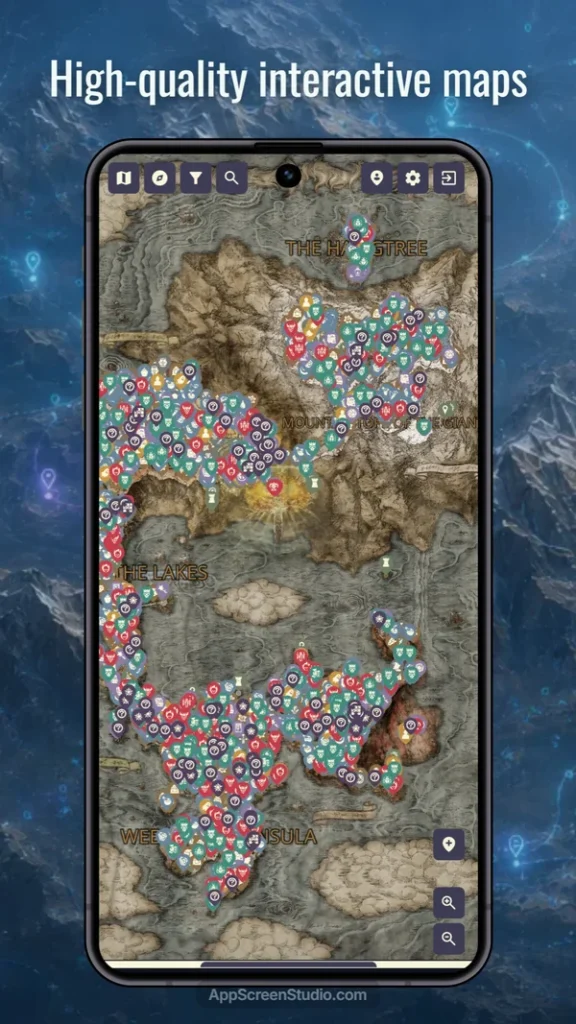
Explore the interface and features of our apps through the screenshot gallery. See for yourself how convenient your gaming experience can be!
HELP & SUPPORT
Frequently Asked Questions
Here are answers to the most common questions about our apps, their functionality, and how to use them.
Downloads, Offline Access & Hub Transition
Not necessarily, they can run in parallel. In fact, some legacy maps have not been transferred to the Hub yet.
Yes! For all apps currently available in the app stores, you simply log into the same account, and your progress will sync directly into the Hub. (Note: legacy apps that have been completely delisted from the stores will not be able to transfer progress).
All our apps and maps are built to work completely offline using local cached data. An internet connection is only required for the Hub to download or update new maps, and for the initial loading of location screenshots (once a screenshot loads, it stays cached on your device forever). Additionally, network access is required if you want to create an account or use the automatic cloud synchronization feature.
Yes! The core functionality, including offline maps, markers, and tracking, is absolutely free and supported by a small ad banner at the bottom of the screen. In our older standalone apps, you can remove ads with a single one-time purchase. For the new OGM Hub, we offer flexible Premium options (monthly/yearly subscriptions or a lifetime purchase) to remove ads. In the future, the Hub’s Premium status will also unlock additional exclusive features to further enhance your experience!
Gameplay & Profiles
This is one of our most popular features! Simply open the TRACK menu in the app, and you will find a toggle to instantly hide all the locations you’ve already marked as found, keeping your map clean and focused.
You can create an unlimited number of profiles for different playthroughs (the default base profile cannot be deleted). When creating a new profile, you can start with a blank map or choose to copy specific data from an existing profile—such as your active filters, presets, tracked categories, custom notes, or even your already found locations.
Each map has a “Suggest a Location” form. Just provide the coordinates, name, and a brief description. After verification, we will add it to the global database in the next update.
Accounts, Sync & Security
An account is entirely optional. You can use the core offline map perfectly without one. However, creating an account allows you to automatically sync your progress across your devices.
If you enable auto-sync, your app needs an internet connection to send your progress to our secure Firebase servers after each save. Your data is strictly private and accessible only by you through your linked account.
Absolutely. OGM Hub allows you to move your data completely offline and without an account. Just go to the Account menu and use the Export/Import buttons to transfer your progress manually via a simple text file.
If you haven’t created an account to sync your data to the cloud, and you didn’t create a manual Export file, all your progress is permanently deleted when the app is uninstalled. We highly recommend using cloud sync or exporting your data occasionally to keep it safe!
You can easily and permanently delete your account directly from within the app settings. Alternatively, you can email the developer at sefir.den@gmail.com from your registration email. All personal data is permanently wiped upon deletion.